
Sign in to Sentient Robotics
Create account
Enter the recovery code you saved when you created your account.
Save this code. You need it if you forget your password. It is shown once.
Right now
Grip
How hard the hand holds things.
Hand
Opens the hand and drops what it is holding out to you.
How was that?
How it moves
How was that?
Your answer teaches it your taste.
Loading…
Loading…
Your account
Change password
1 · Talk to it
Tap the mic and say what you want: “Pick up the red ball and put it in the yellow cup.” “Stack the blue ball on the cube.” “Hand it to me.”
2 · Stop at any time
Say “stop,” “freeze” or “halt,” or tap the red STOP button on Live View or Move Things. The arm freezes at once.
3 · Teach it your touch
Say “smoother,” “gentler,” “faster” or “softer grip,” then tell it “perfect,” “too much” or “not enough.” It remembers how you like it. See What It Learned.
4 · Every page
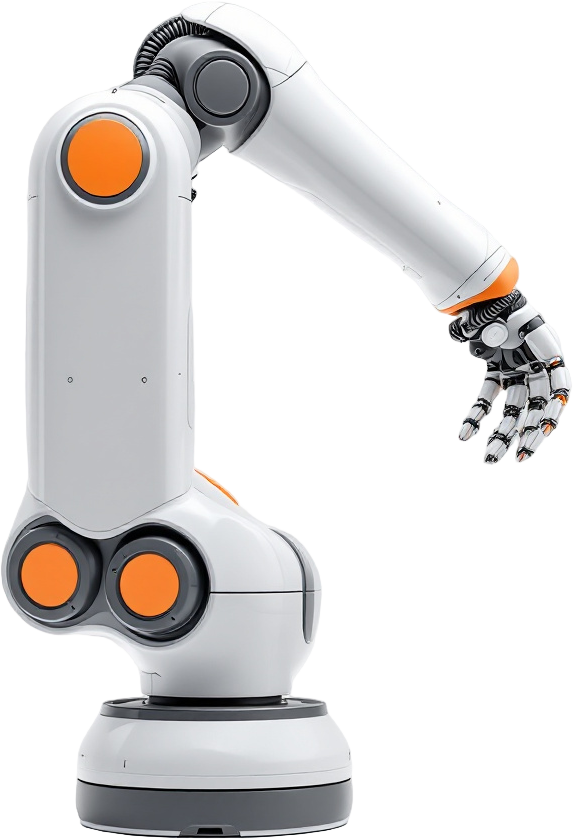
Live View shows the arm. Move Things picks and places. Hand & Grip sets the grip and lets go. Motion Feel sets how it moves. Where Things Are shows every object and puts them back.